My Test Drive of Leonard AI
I tested Leonardo AI while looking into AI video generators, however, there wasn’t much of that functionality in the app, at least not on the free account. The closest I found was their Image2Motion product, which will add motion to a static image.
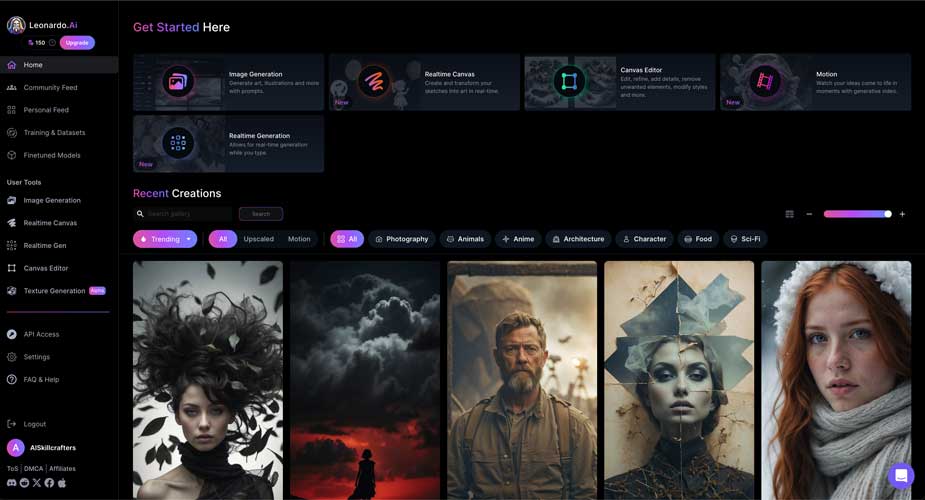
I did have a lot of fun working with the 150 free credits they give you every day. Below are the results of what I could do with them, spent mostly on creating images from prompts, while trying two different images with their Image2Motion product.
Image Generation from Prompt
I was able to complete eight different tests of the text-to-image generator, and then used two of my favorite images to try the Image2Motion product to add motion to the generated images. The tests were used with Element and without.
Elements:
From Leonardo: We are thrilled to announce that Leonardo Elements; our proprietary custom implementation of LoRA (Low-Rank Adaption) models are now available to use on the platform. You can select up to four Elements to combine, or use one on its own. Once your selection is complete, you can adjust the weights for each Element to fine-tune your results. Adjust weights to get the perfect balance for your generation.
Elements include: Coloring book, folk art illustration, kids illustration, toon & anime, vintage christmas illustration, cybertech. They bring a pre-trained image style to your prompt without you having to write specifically for it.
Prompt - Test 1:
The prompt I used for the first test:
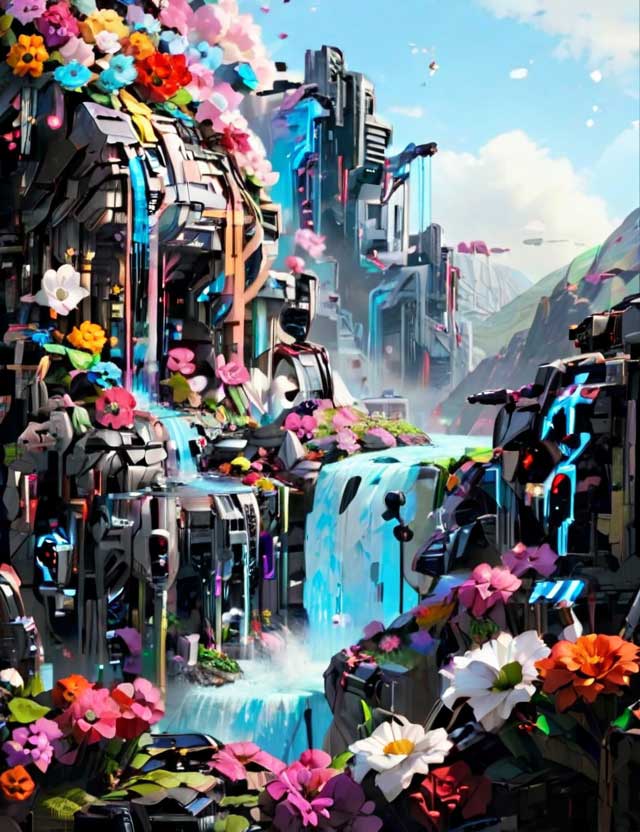
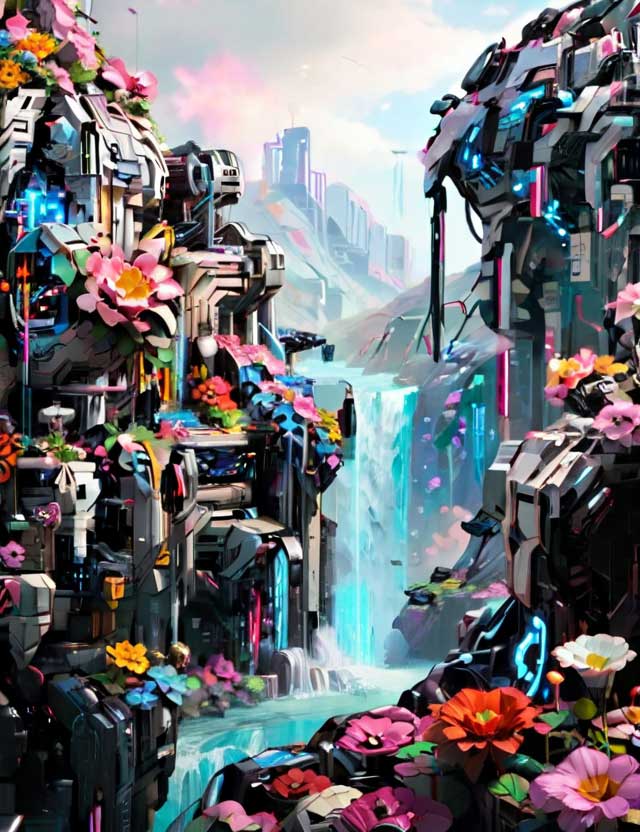
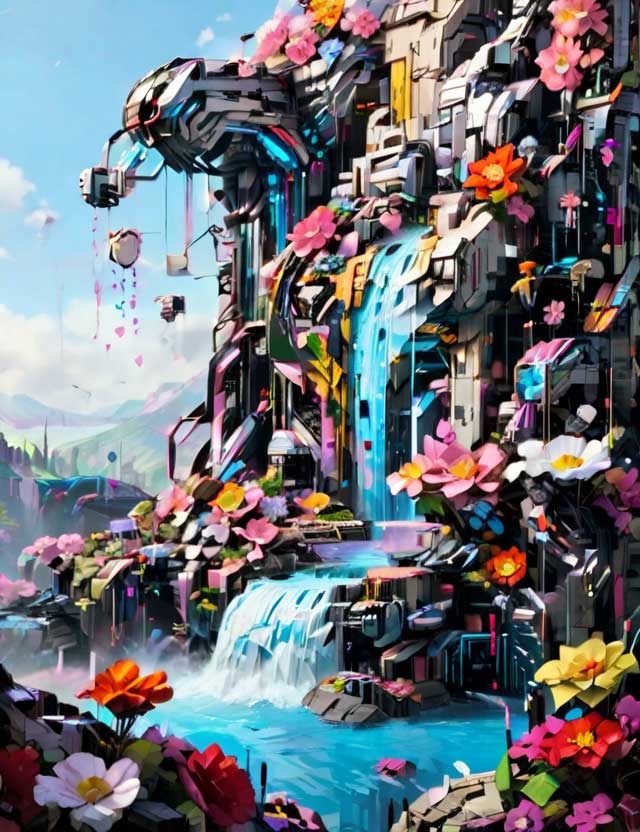
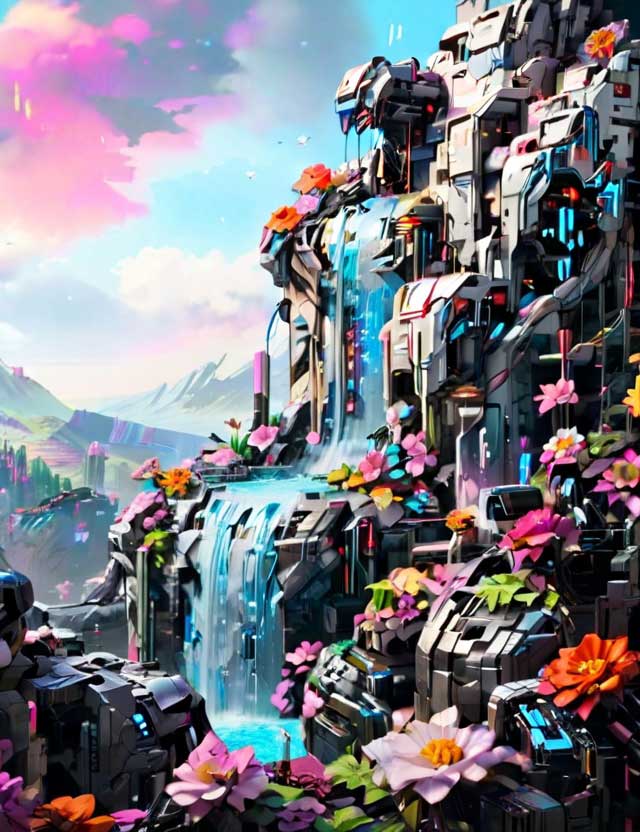
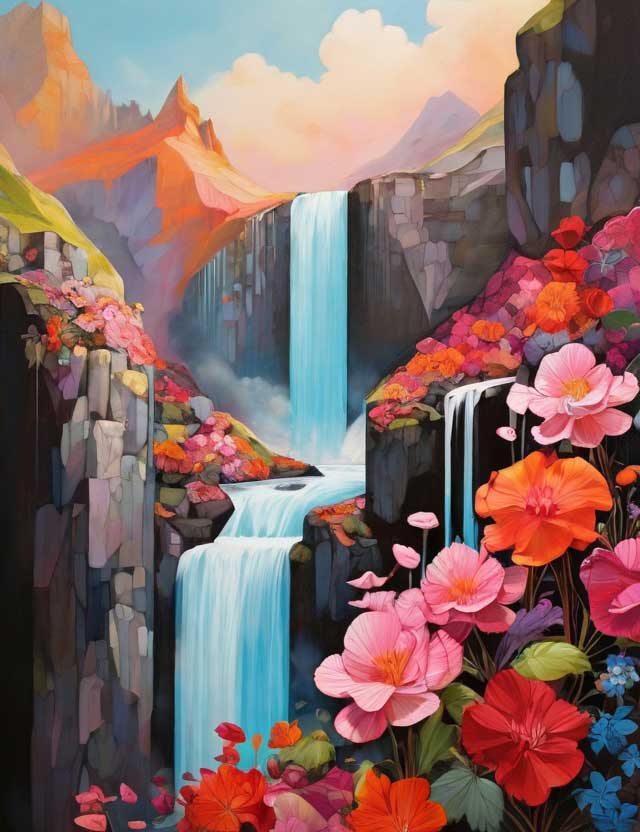
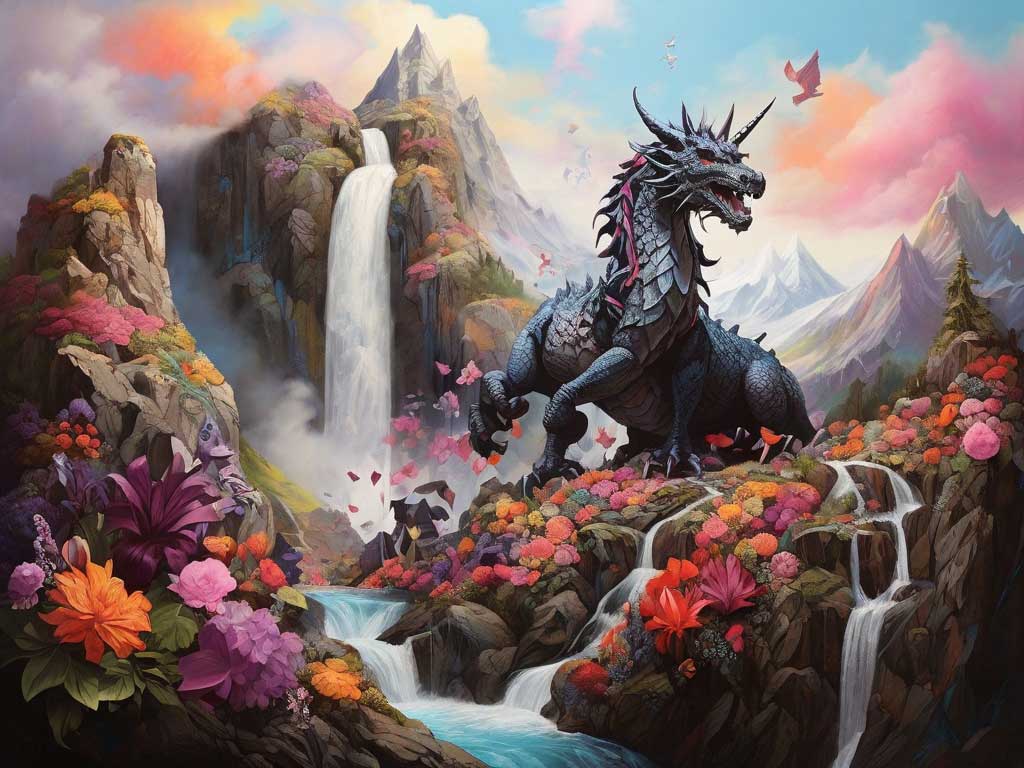
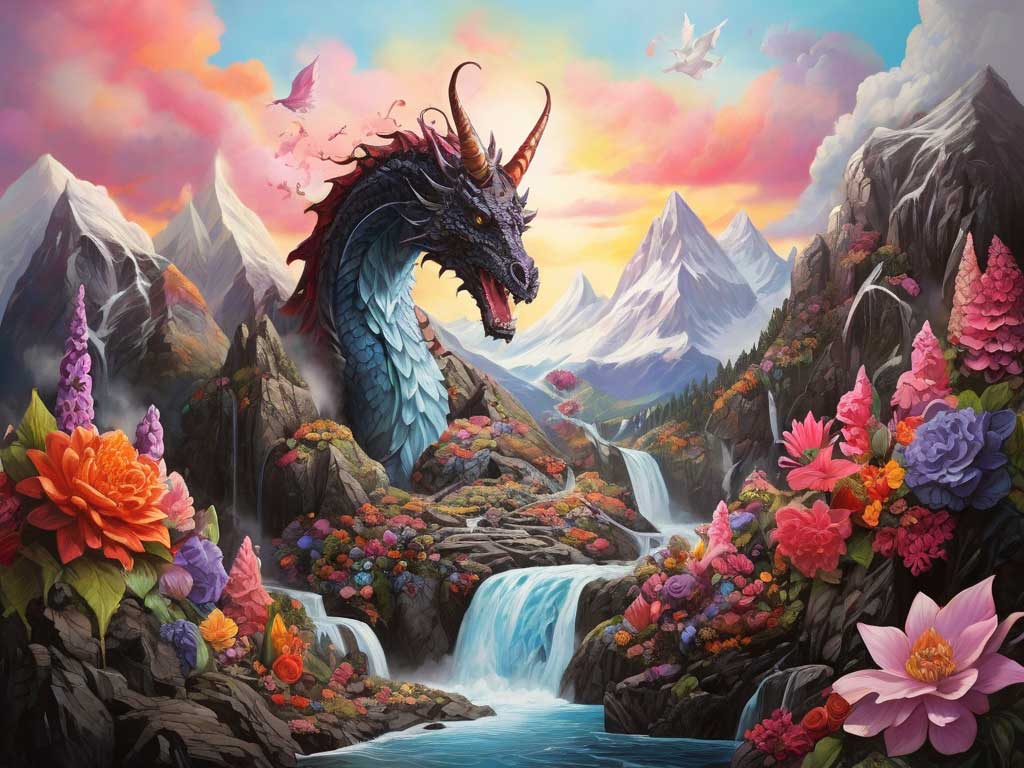
a mountainous scene with a waterfall that has flowers falling instead of water in vibrant colors
I used a toon & anime element at a weight of 1.00 and a cybertech element with a weight of 0.70. The results cost me 8 credits.
Results:
Prompt - Test 2:
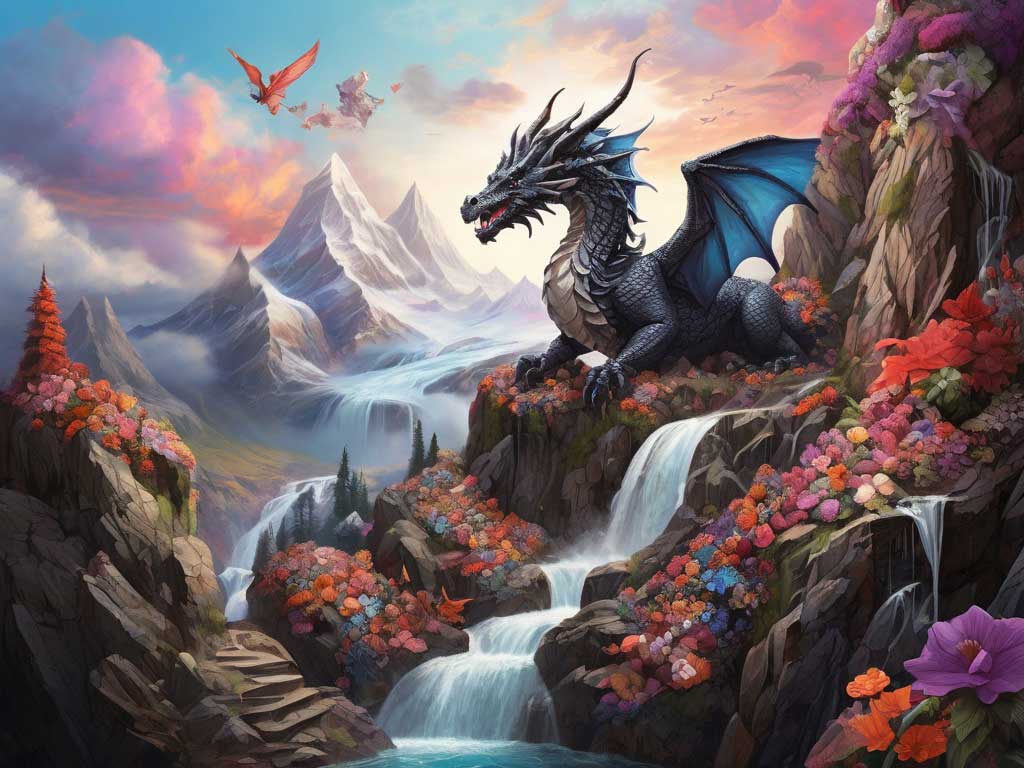
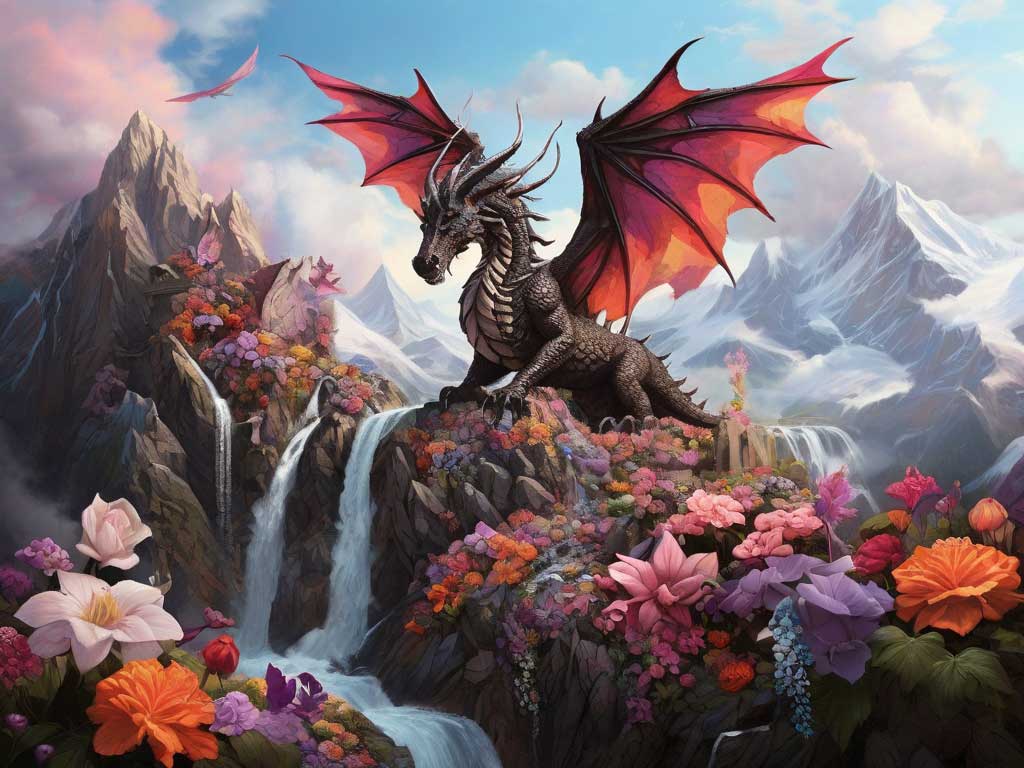
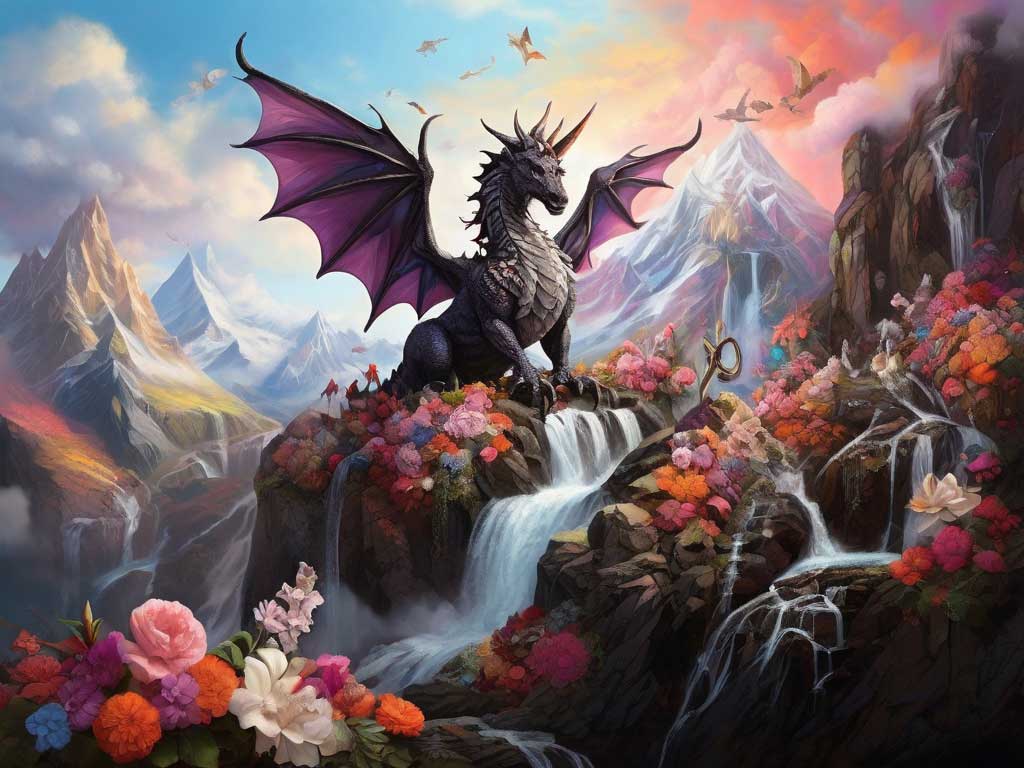
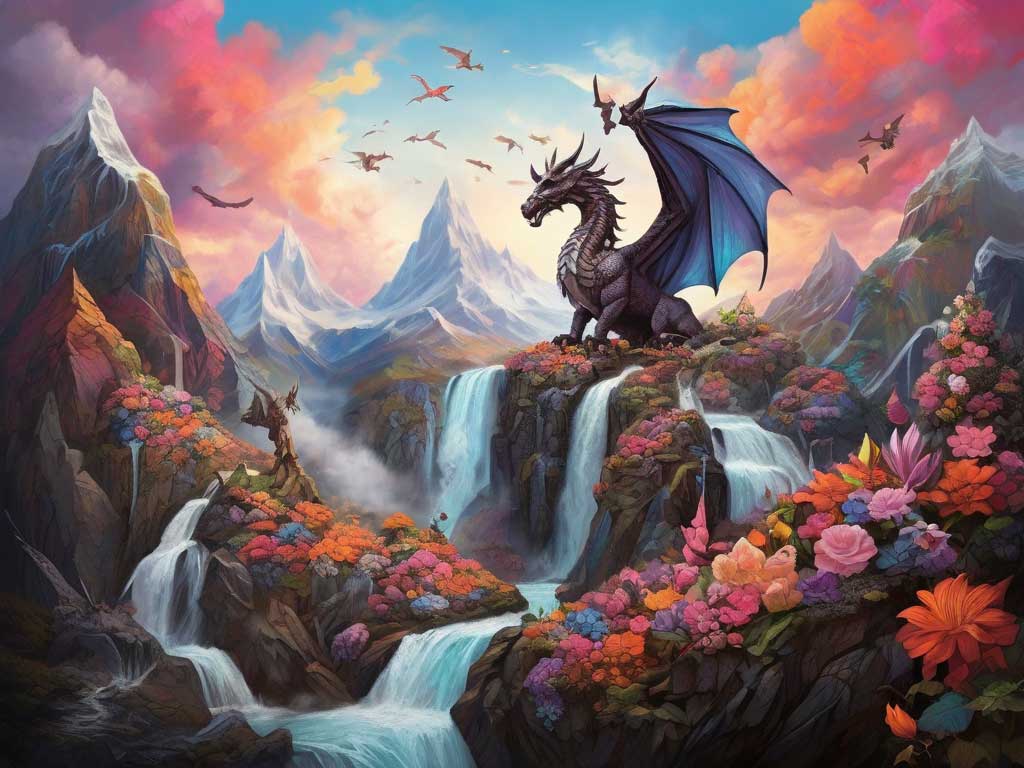
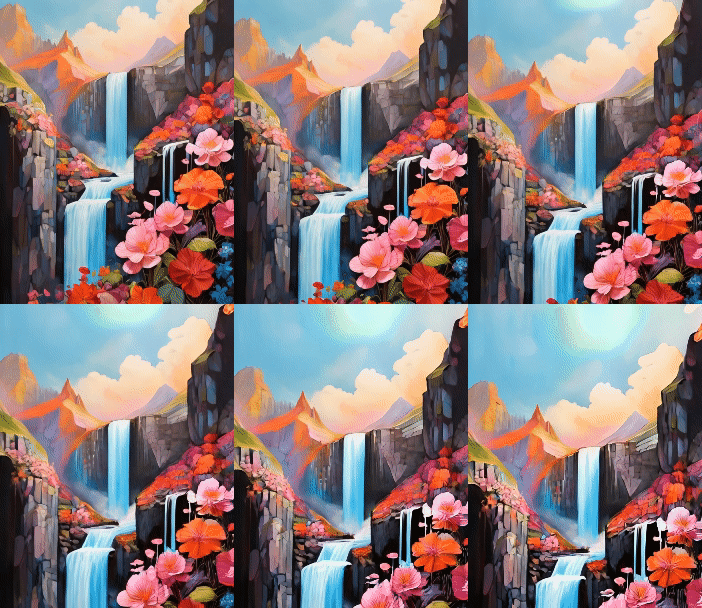
I didn't like the lego look of the first test, which I assume is from the addition of the cybertech element. I decided to see what the prompt delivered without any elements and to simplify the prompt. The prompt I used for this test:
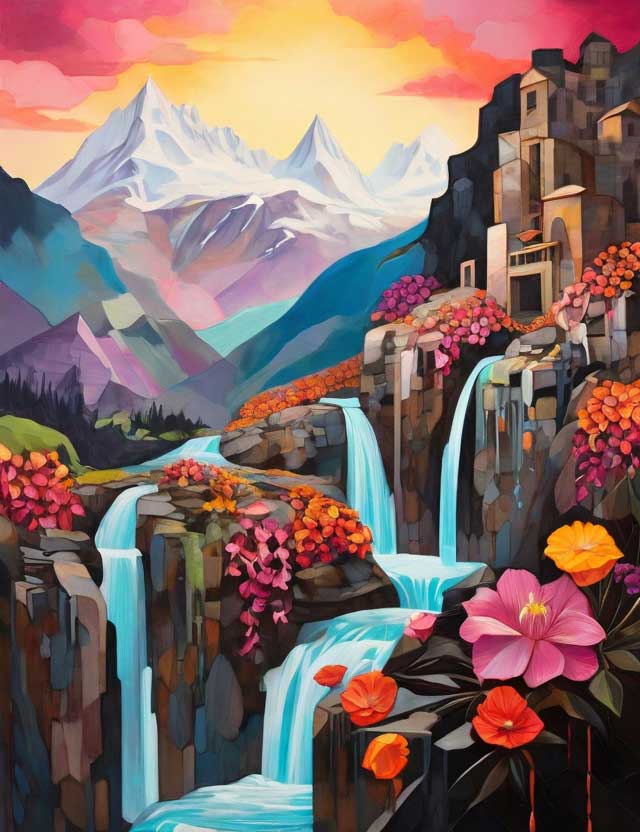
a mountainous scene with a waterfall that has flowers falling instead of water in vibrant colors
The results cost me 8 credits. I chose the last image in this test to use in the Image2Motion product, which I will show you below.
Results:
Prompt - Test 3:
The prompt I used for the third test was completely different:
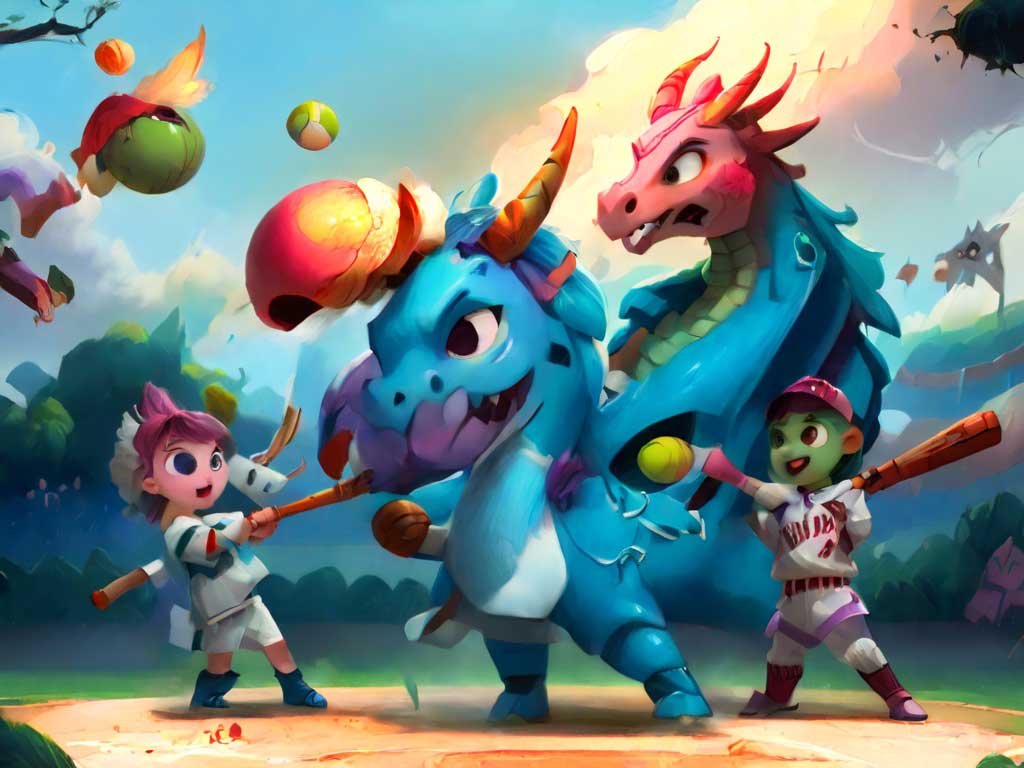
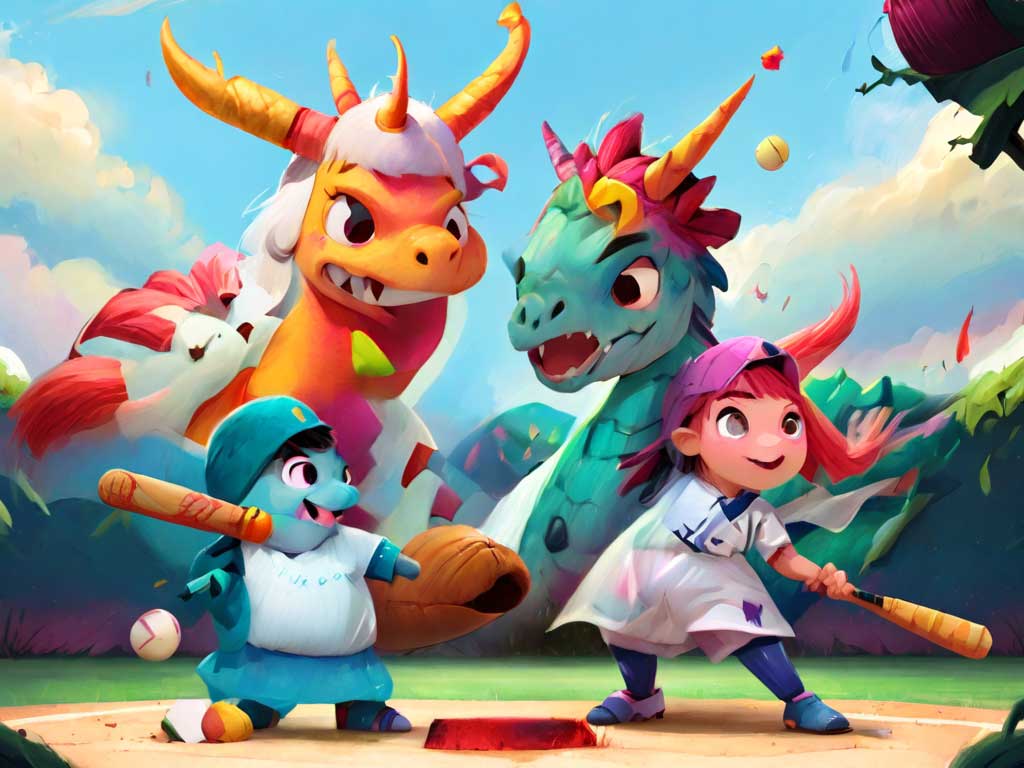
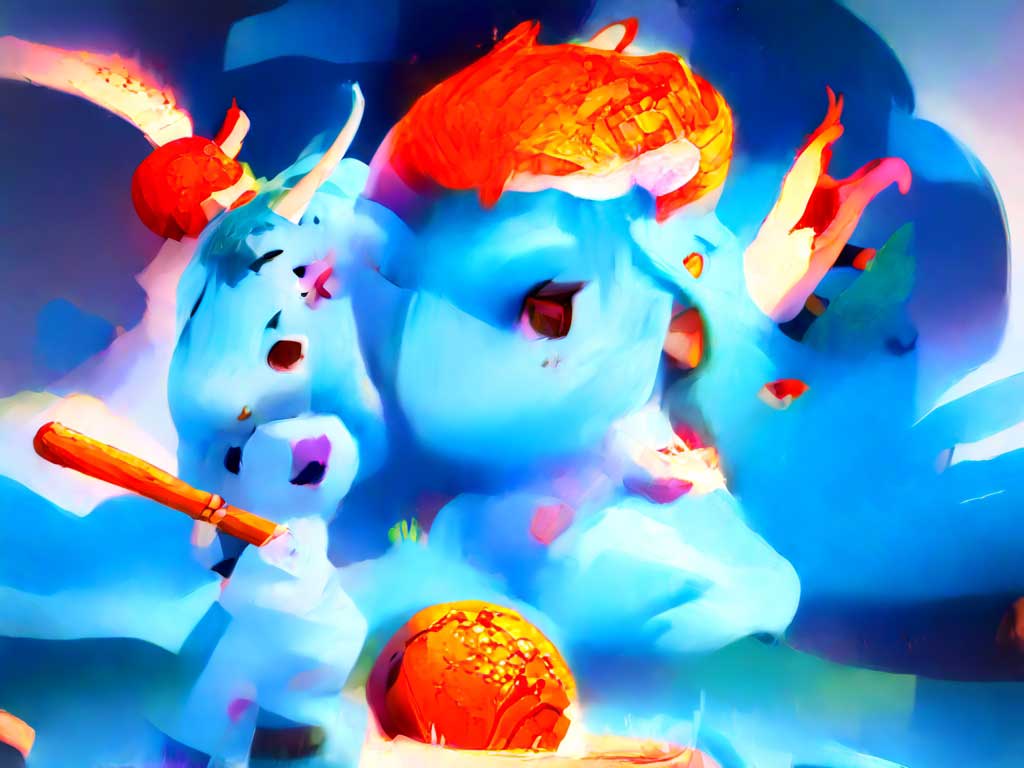
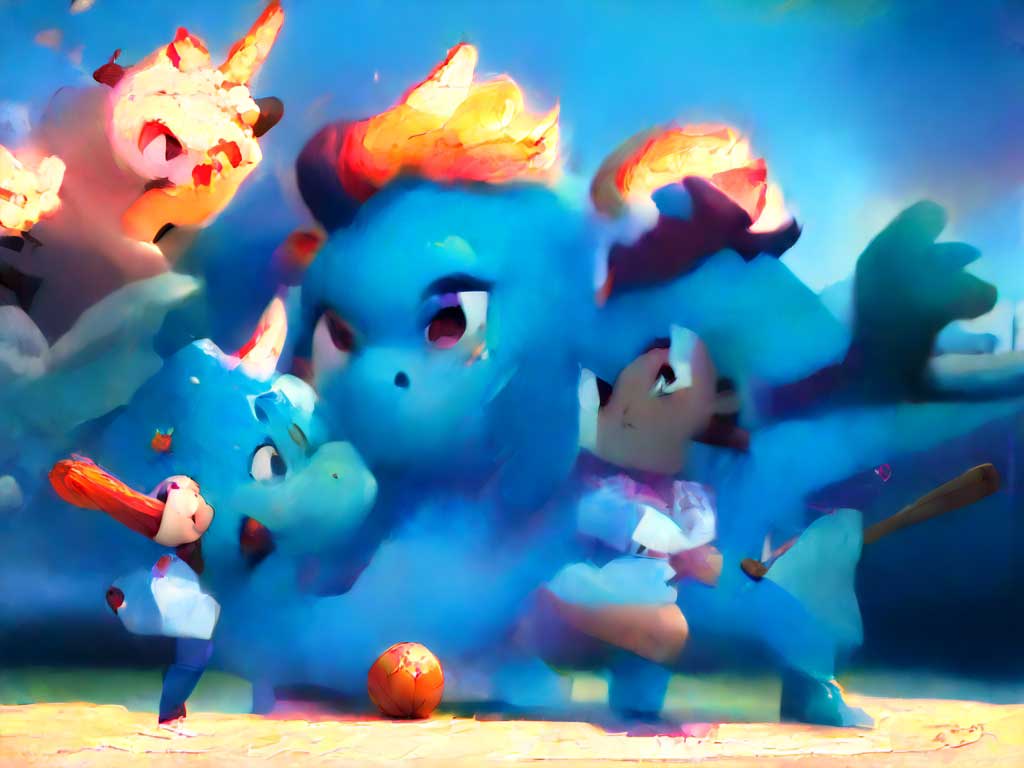
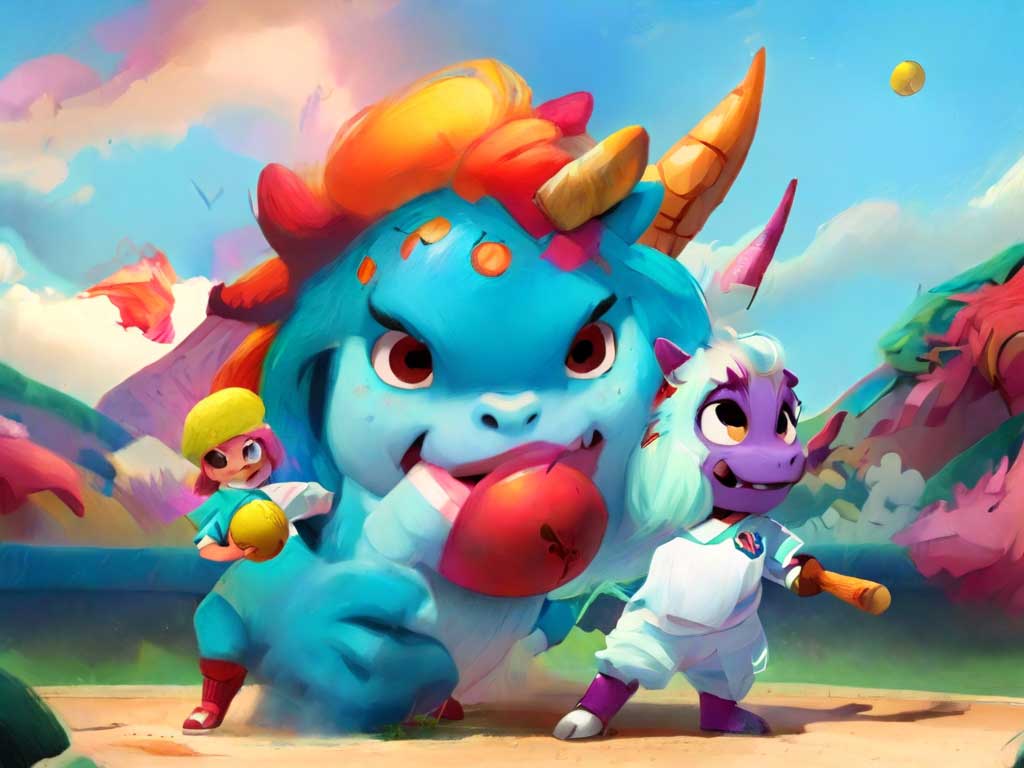
a unicorn and dragon playing softball with the dragon pitching and the unicorn at bat
I used elements of toon & anime at a weight of 1.00 and kids illustration at a weight of 1.00. The results cost me 11 credits.
Results:
Prompt - Test 4:
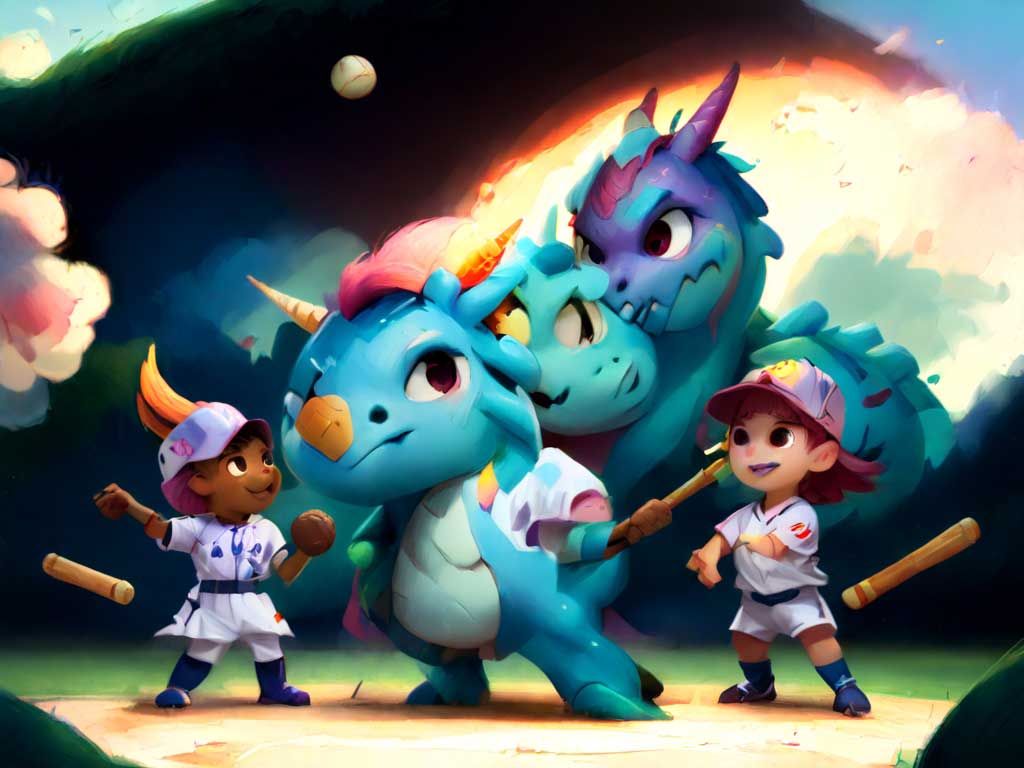
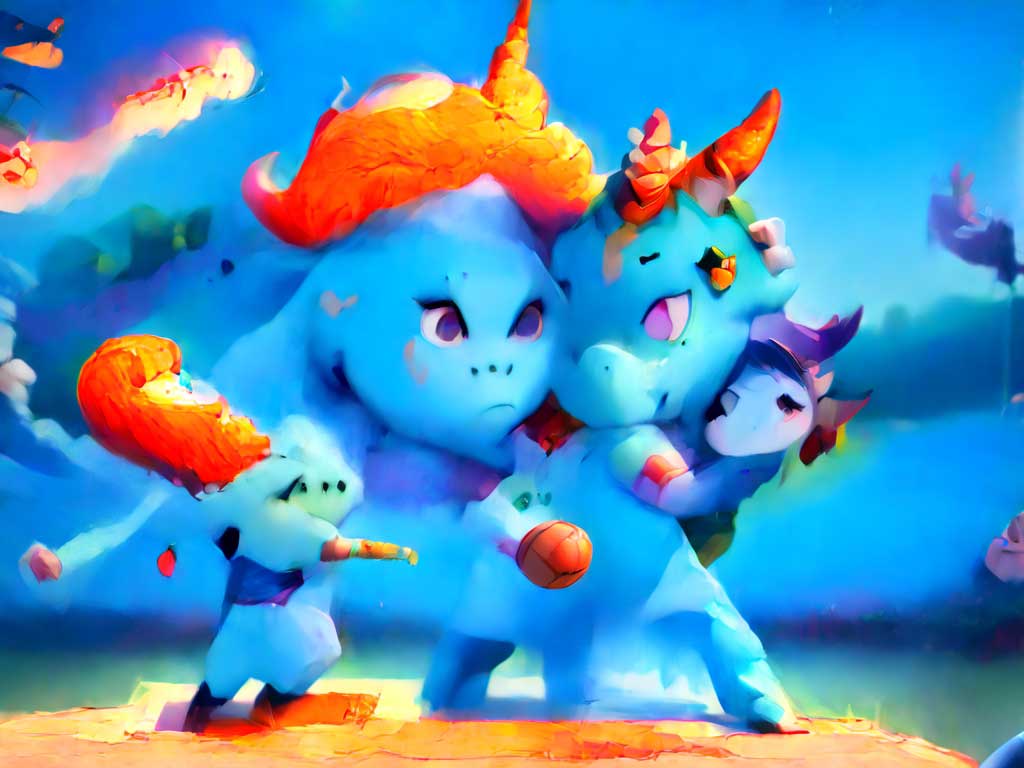
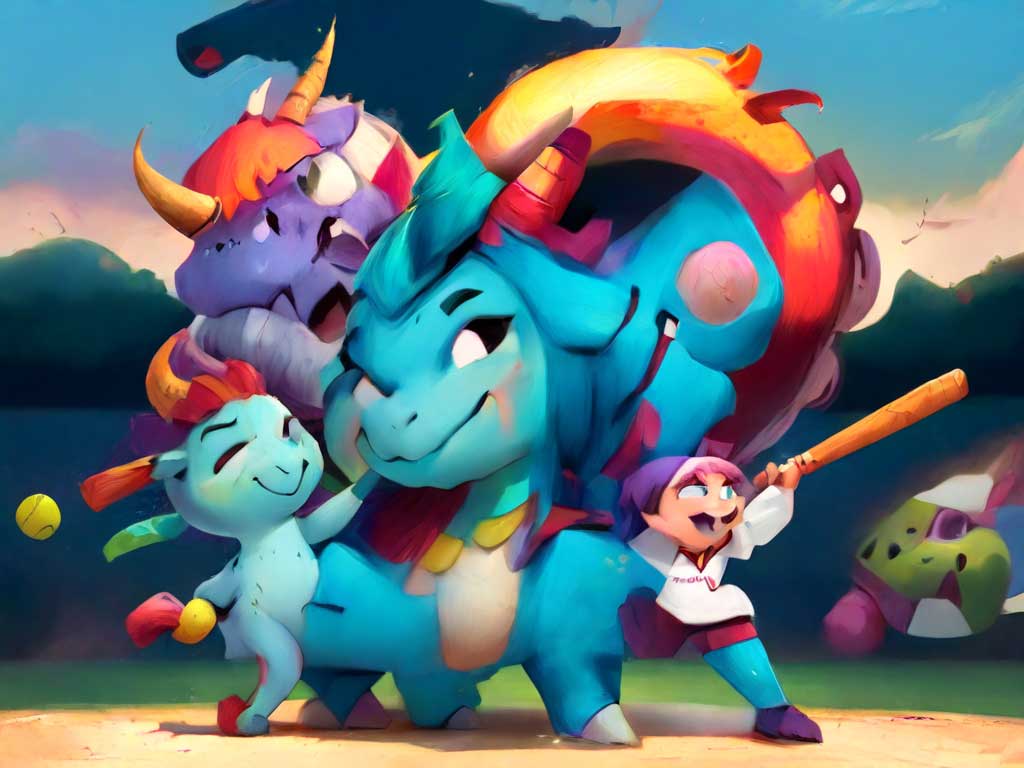
I thought it strange that there were the requested dragon and unicorn in the image, but they were somehow superimposed on kids (or something resembling kids, some looked like monsters) playing. The prompt I used for the test:
a unicorn and dragon playing softball
I used elements of toon & anime at a weight of 2.00 and kids illustration at a weight of 1.00. The results cost me 11 credits.
Results:
Prompt - Test 5:
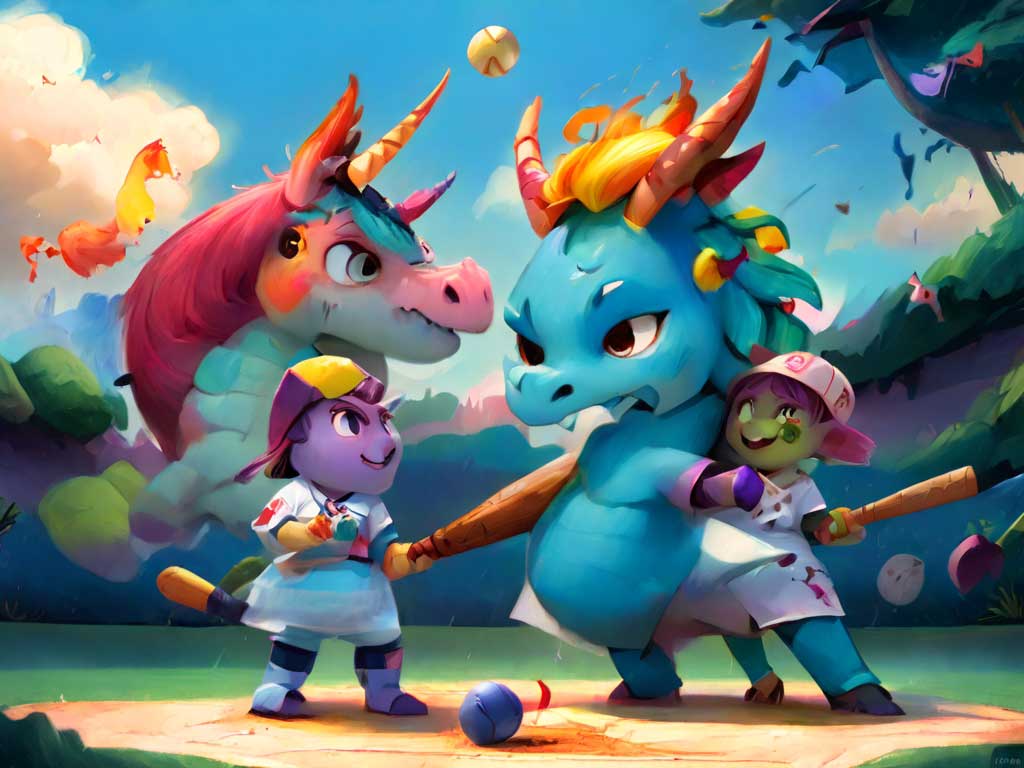
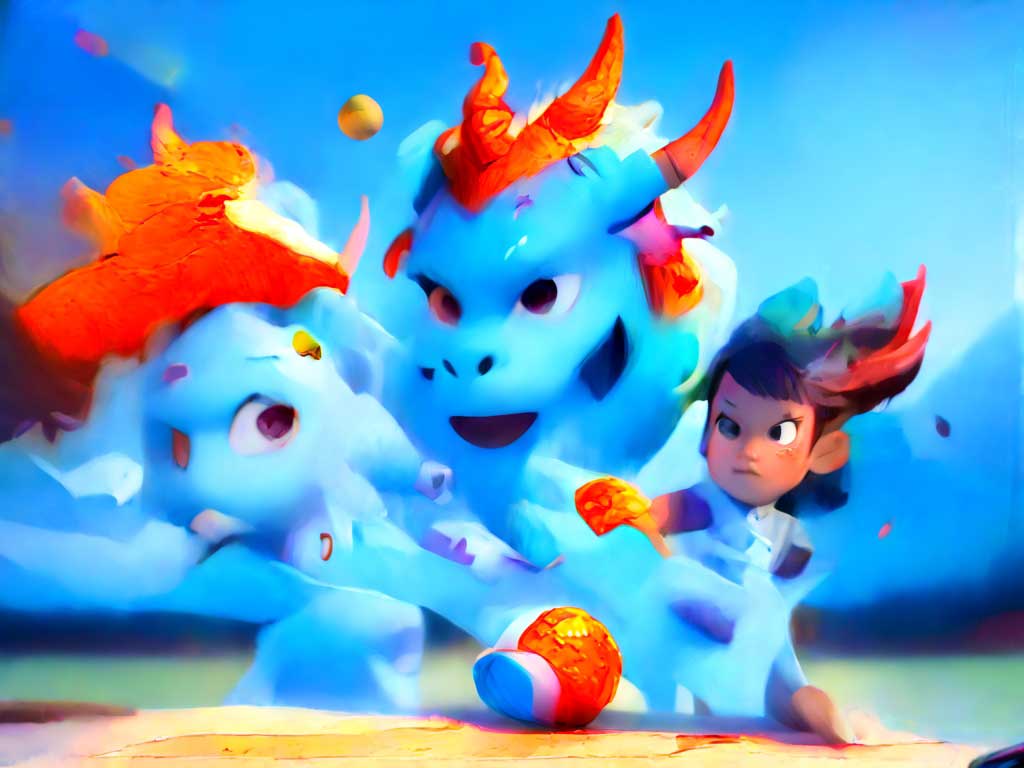
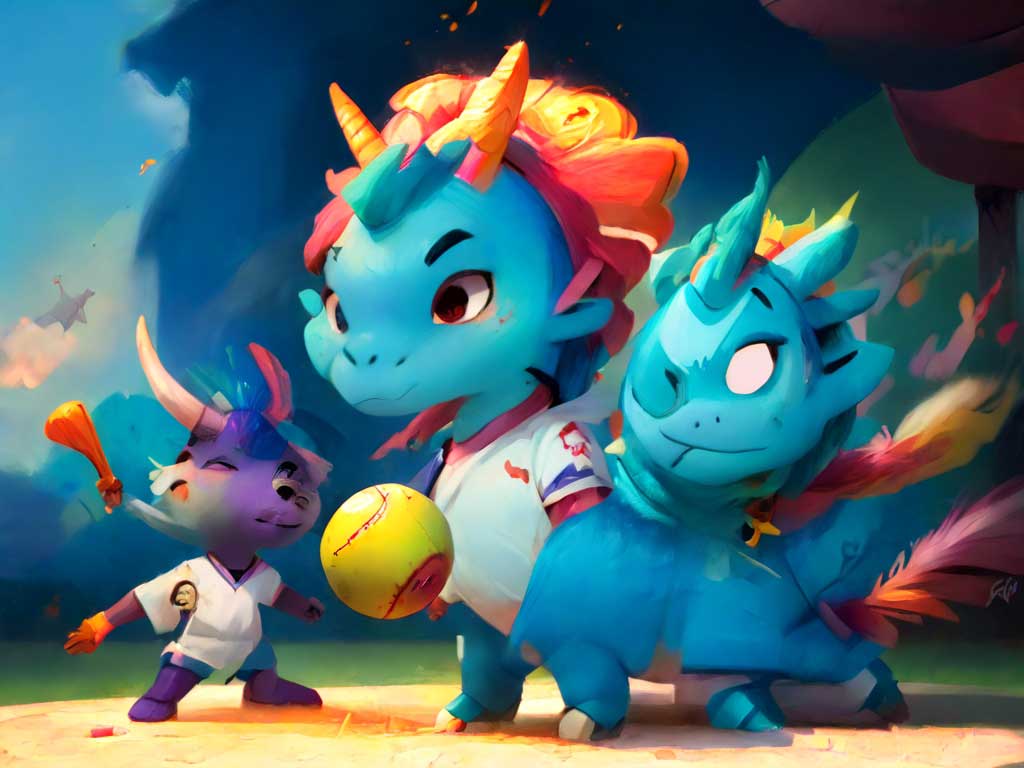
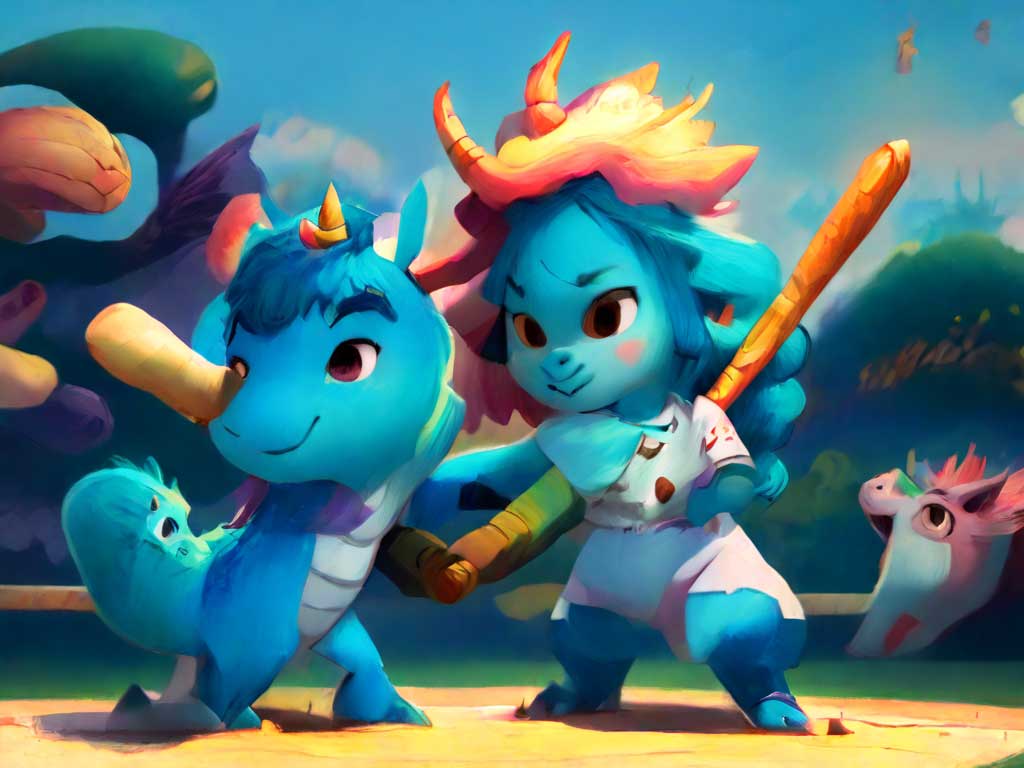
Clearly I have the toon & anime element weighted too high for the image to even make sense at this point. I adjusted the elements back to toon & anime at a weight of 1.00 and kids illustration at a weight of 1.00. I then added in a negative prompt, which is something I didn't want to be in the image. I added "kids or people" and did another test. The prompt I used for the test:
a unicorn and dragon playing softball
The results cost me 11 credits.
Results:
Prompt - Test 6:
I'm definitely not getting the picture I had in my mind. I'm either writing a terrible prompt or the AI is iterating on each of the previous attempts at the image. I suspect maybe the latter because elements such as color and composition carry through each test.
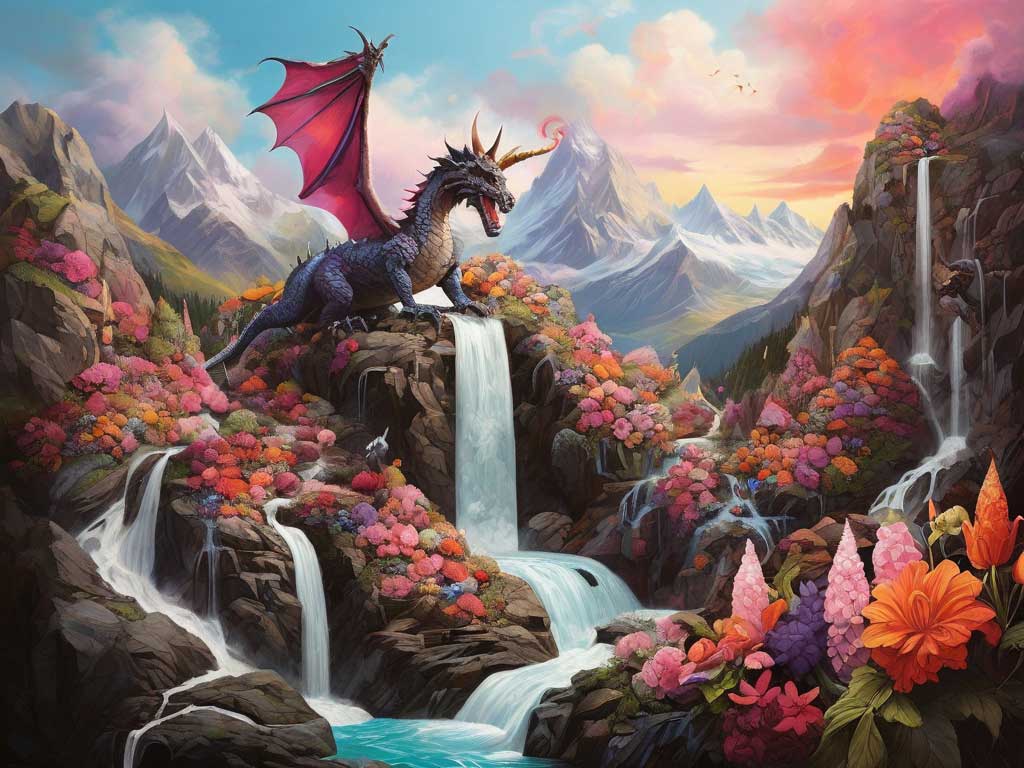
Either way, I was getting low on daily credits so I changed tactics and tried another prompt that was a mix of the first two. The prompt I used for the test:
a vibrant mountain covered in flowers scene with a waterfall and a winged dragon and winged unicorn flying in the sky
I used no negative prompts or elements on this run. The results cost me 11 credits.
Results:
Prompt - Test 7:
I can't seem to get the unicorn in the image on this prompt, so I changed it up a bit. The prompt I used for the test:
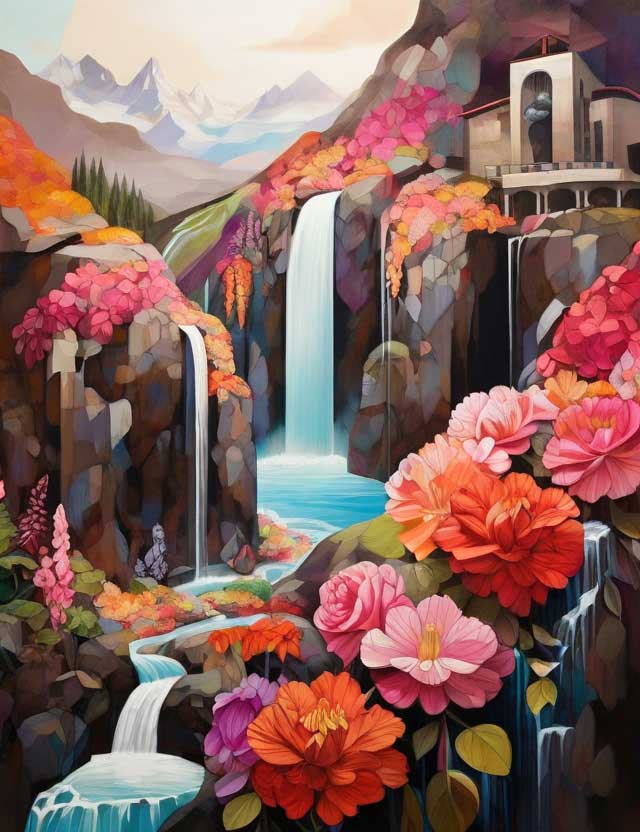
a vibrant mountain covered in flowers scene with a waterfall and a dragon and unicorn bumping noses
I used no negative prompts or elements on this run. The results cost me 11 credits.
Results:
Prompt - Test 8:
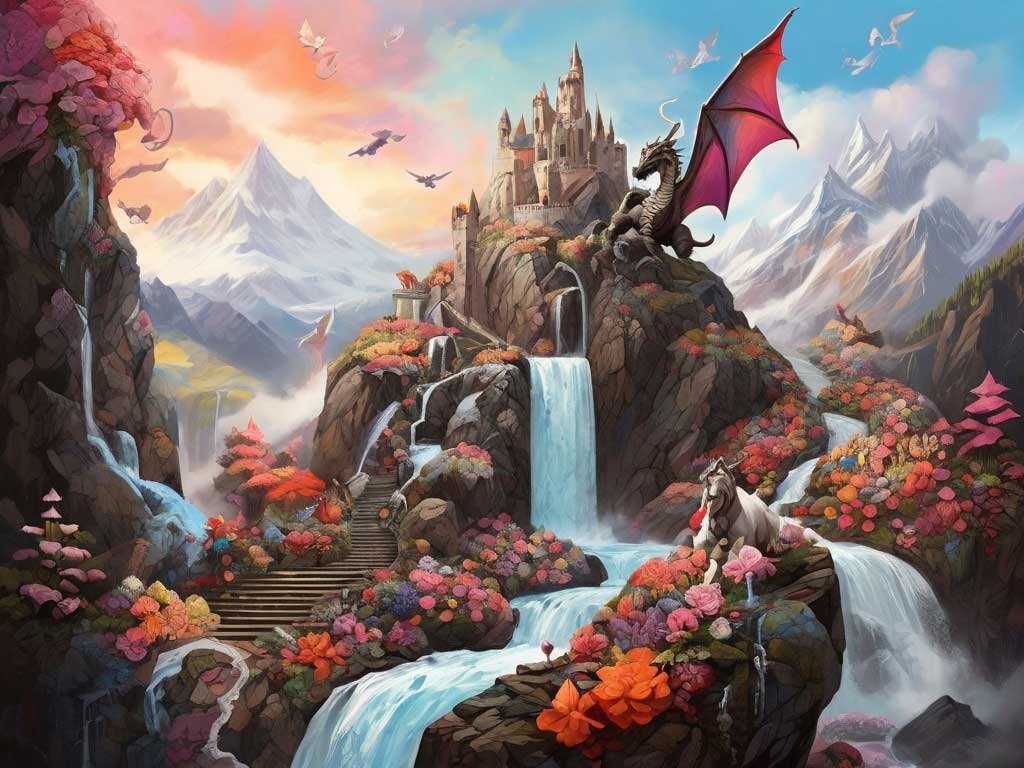
Still no unicorn and oddly enough, one of the images included a castle which was not specified in the prompt. I'm getting low on credits at this point, so I decided to simplify the prompt and see what I got. What I really wanted to see was a unicorn, so I eliminated the dragon. The prompt I used for the test:
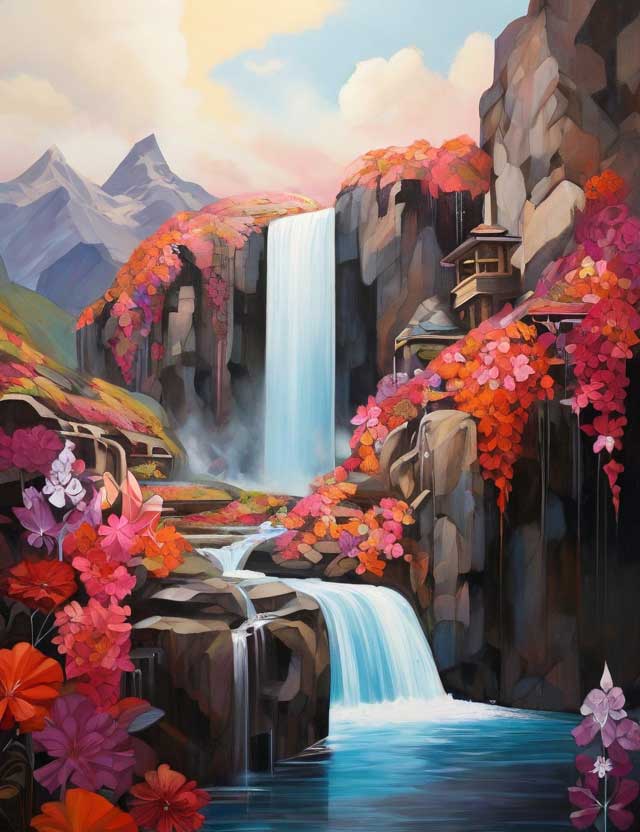
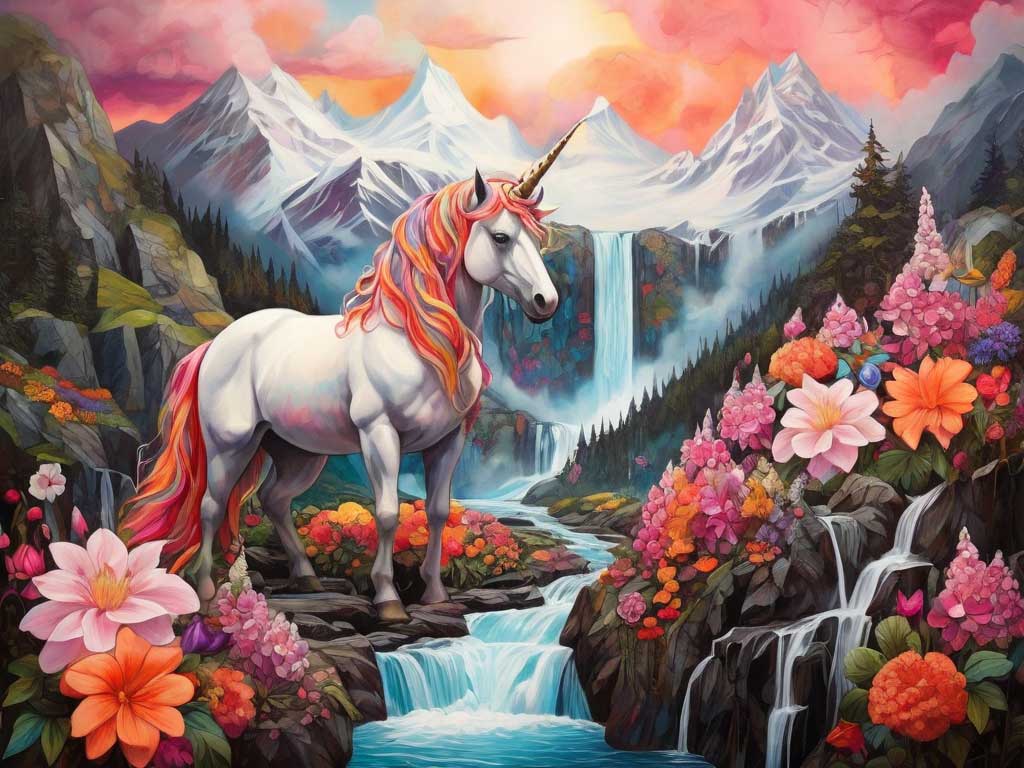
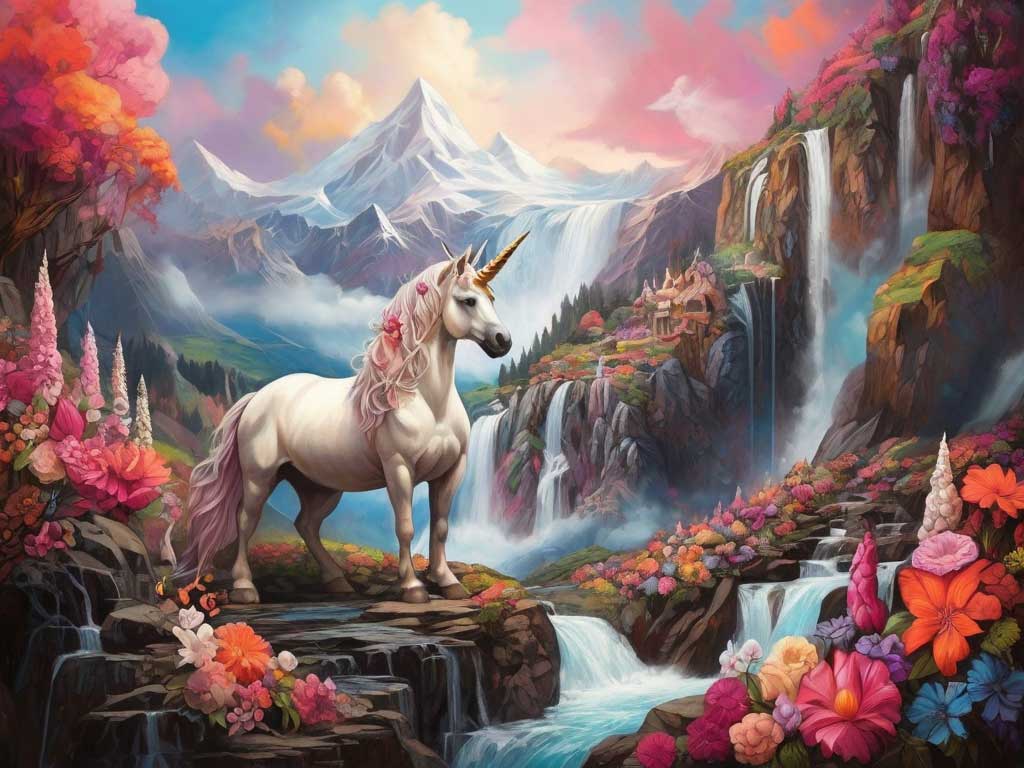
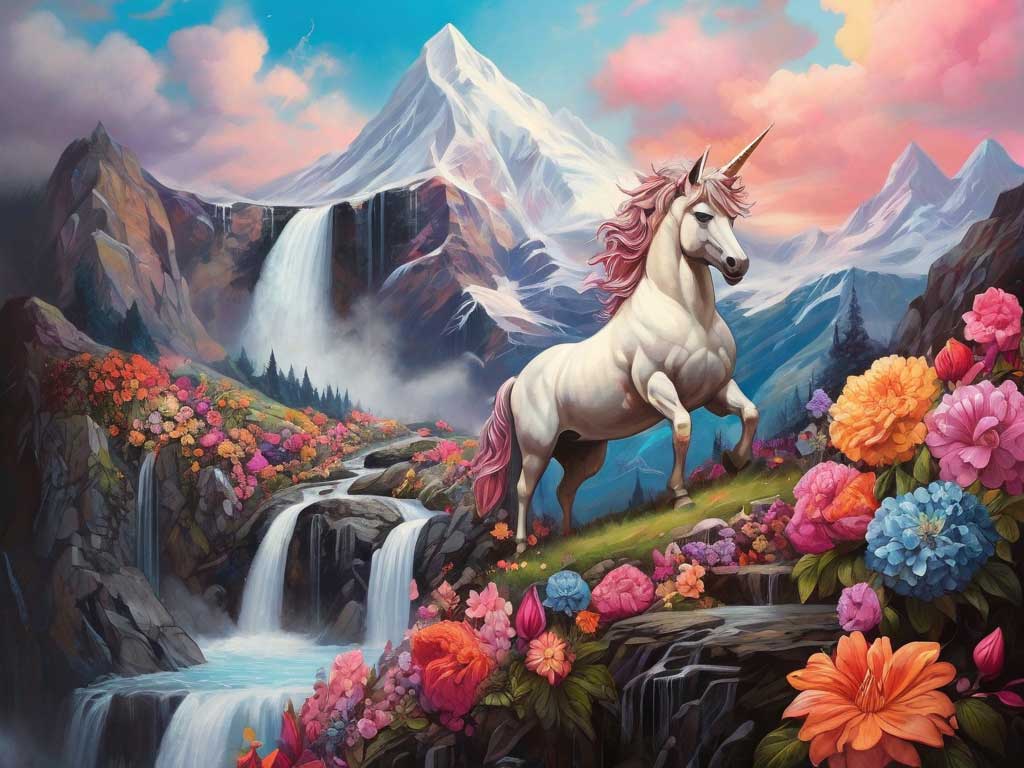
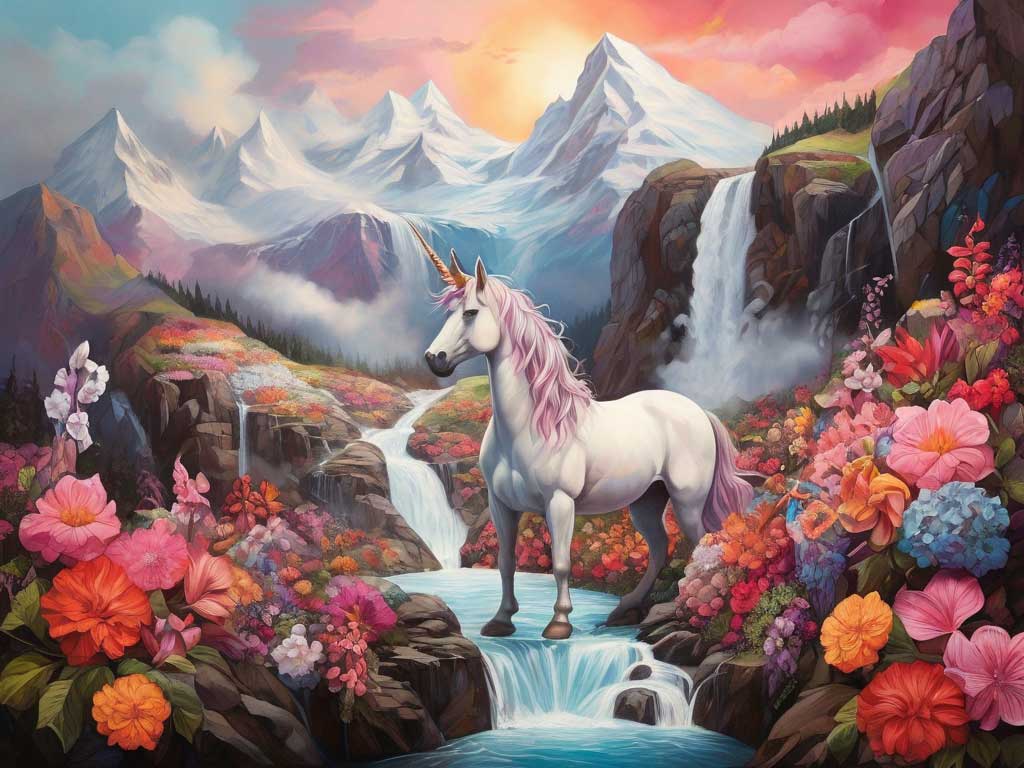
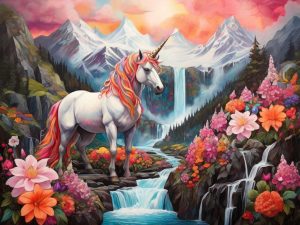
a vibrant mountain covered in flowers scene with a waterfall and a unicorn
I used no negative prompts or elements on this run. The results cost me 11 credits.
Results:
At last, there’s the unicorn! These images were amazing, but missing the goal of having both a dragon and a unicorn in them. And clearly, the concept of a dragon or a unicorn playing softball is not something the AI grasps without further assistance. I would need to think through the prompt better to see if I can create anthropomorphic characters of a dragon and unicorn and have them then play ball. I will test this out when my daily credits reset.
Image2Motion
This is the AI video generation product that they currently offer. It takes an image and applies motion to it. Uploading an image to use here is only available to paid plans, so I had to use one that I created in the app. This process costs 25 credits, a lot more than the image generation, so I was only able to do two in this review. I will try a couple of more when my credits reset.
Note: I converted the MP4 into a gif for ease of display here.
The free account limitations on Leonardo make it fun to play around with, but I see no business application for me personally at this point. But, because the credits reset daily, I can keep going back and improving my prompt engineering to get better images. With practice, I might be able to find a use for the image generator in my own projects.
It does work perfectly for creating art of any kind, so it’s a wonderful creativity booster. And certainly, if you are building a game or illustrating something, this app will work wonders for you.